🚀 Getting Started with Sniffer
Everything you need to set up Sniffer and start tracking defects, collecting feedback, monitoring errors in production, and shipping fixes faster — with seamless Jira integration.
🌟 What is Sniffer?#
Sniffer is an end-to-end defect-tracking, customer-feedback, and error-monitoring platform purpose-built for product teams that ship fast and rely on Jira. It bridges the gap between the people who discover bugs — your customers, testers, support agents, automated monitors — and the engineers who fix them, by making sure every issue lands in the engineering workflow with the full context required to reproduce and resolve it.
With Sniffer, every bug report automatically includes a screenshot or screen recording, console logs, network traffic, DOM snapshots, browser & device info, and AI-powered context. Issues sync bidirectionally with Jira Cloud in real time — your team never copies and pastes between tools again.
Whether you are a small startup shipping weekly or an enterprise running multiple support teams, Sniffer adapts to your workflow with customizable statuses, flexible integrations, and an extensible MCP layer for hooking your editor’s AI into Sniffer data
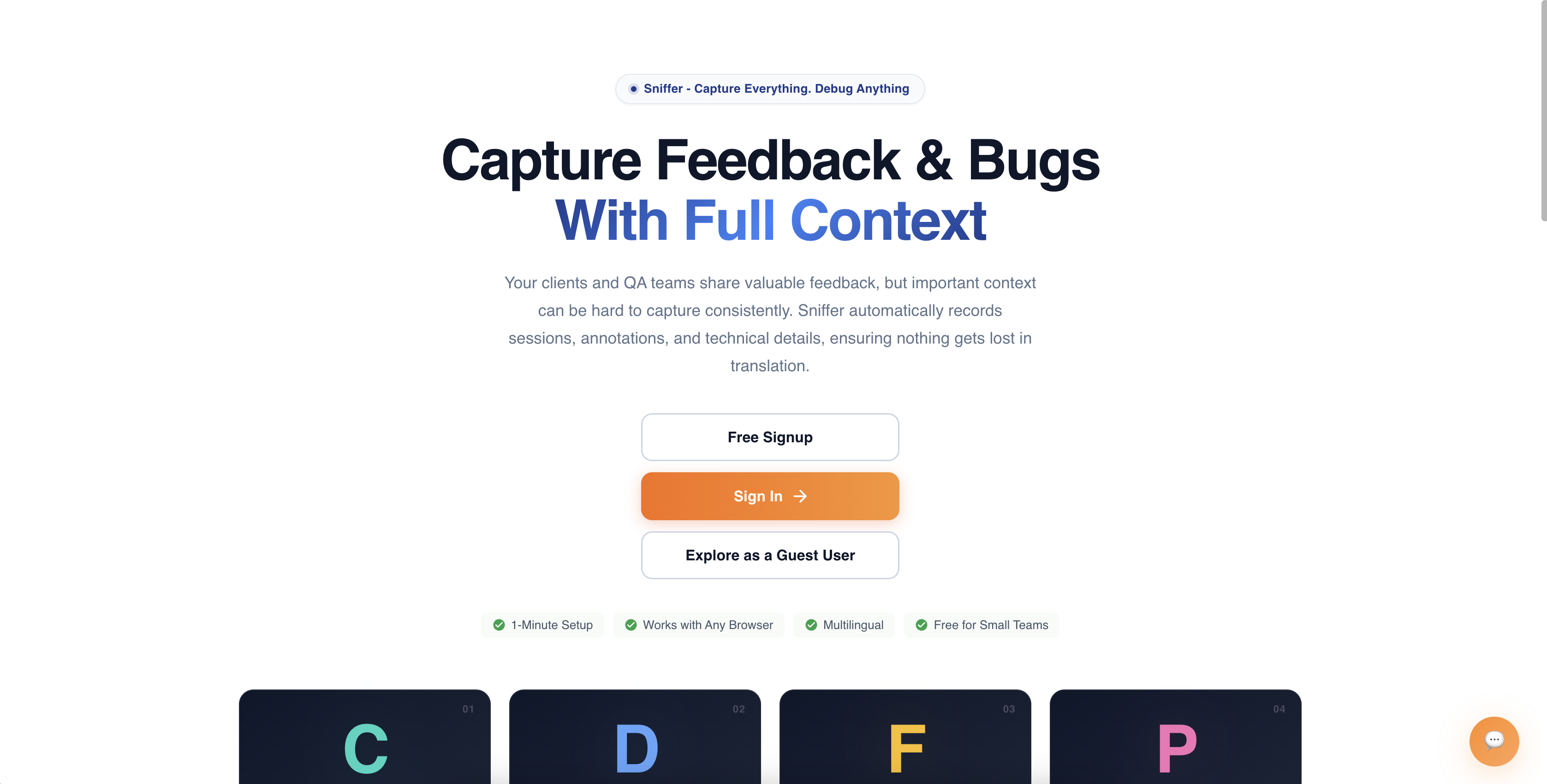
🔑 Core Capabilities#
📸 Visual Bug Reporting#
Every bug report in Sniffer is enriched with automatically captured context — no manual data entry:
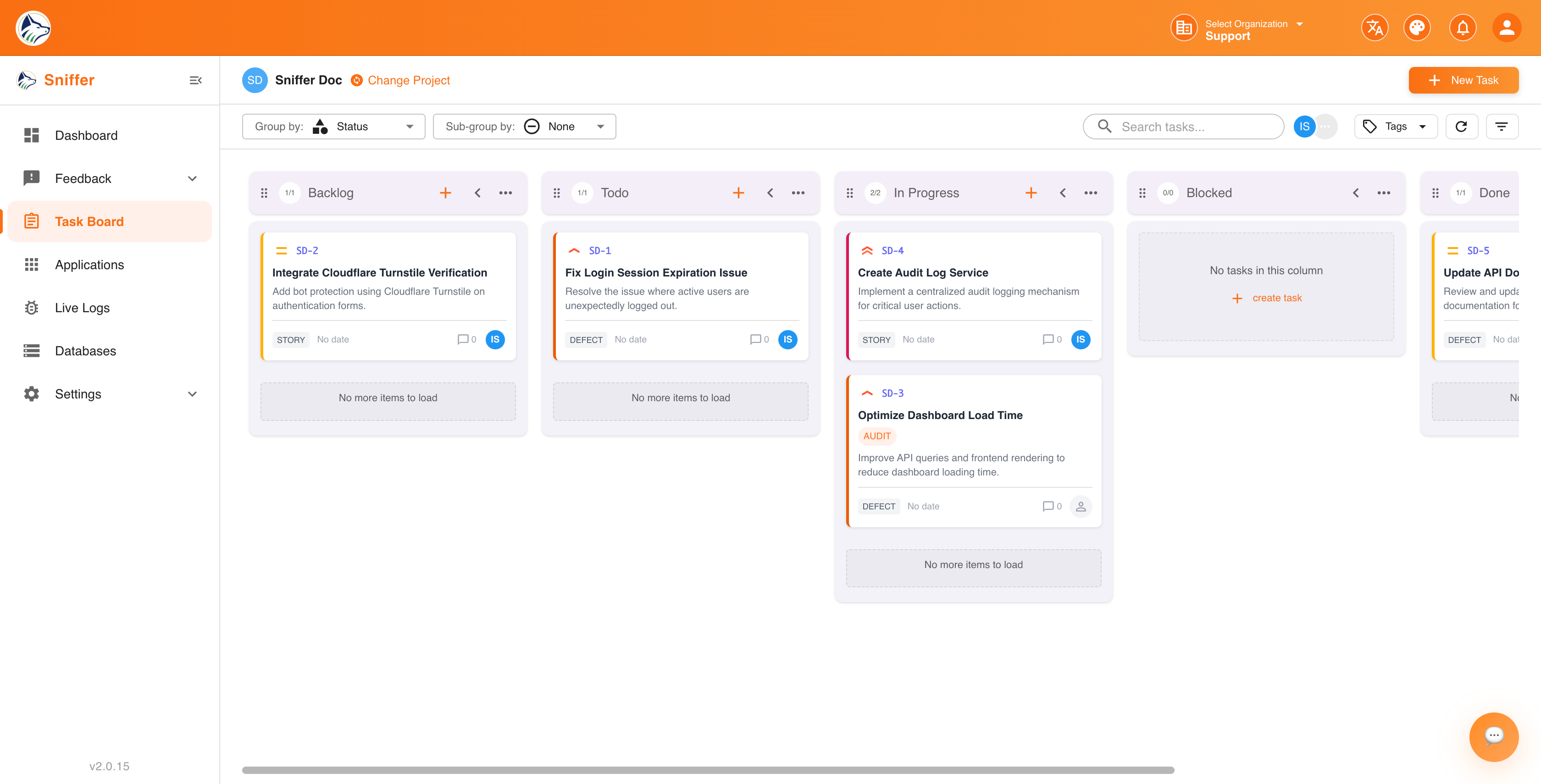
📋 Task Board#
A workspace with List and Table views for managing bugs, tasks, and feature requests. Supports advanced filtering, saved filters, multi-level grouping, sorting, and bulk operations. See 📋 Task Board → .
🔄 Jira Two-Way Sync#
When a bug is created in Sniffer, a Jira ticket is automatically created. Status changes, comments, attachments, and field updates sync bidirectionally in real time. See 🔗 Integrations → .
🧩 Sniffer for Jira App#
A Forge-powered panel inside Jira’s issue sidebar that displays full bug context — screenshots, recordings, console/network logs — without leaving Jira. See 🧩 Sniffer for Jira → .
💬 Customer Feedback Widget#
Embed a lightweight JavaScript widget on your website for end users to submit bug reports, feature requests, suggestions, and feedback — complete with screenshot and recording capture, configurable categories, and intelligent routing rules. See 💬 Feedback → .
📡 Live Error Monitoring#
Automatically detect JavaScript errors, failed API calls, unhandled promise rejections, and resource failures on your live website. Errors are logged with full stack traces, console output, and network context. See 📡 Live Logs → and 🛰️ System Bugs → .
📊 Dashboard & Analytics#
Real-time dashboards with bug trends, priority distributions, and team workload. See 📊 Dashboard & Analytics → .
🔌 Browser Extension#
Capture bugs directly from any webpage with the Chrome/Edge browser extension — screenshot annotation, console/network log capture, and one-click bug creation. The extension also lights up inside Jira with an RCA sidebar. See 🔌 Browser Extension → .
🤖 MCP Integration#
Connect Sniffer to AI assistants (Claude, Cursor, VS Code) via the Model Context Protocol for AI-assisted bug triage, summarization, and code-fix suggestions from your editor. See 🤖 MCP Integration → .
🛢️ Database Schema Awareness#
Connect MongoDB, PostgreSQL, and Oracle databases and let Sniffer pull schema snapshots, surface PII fields, and link schema objects to bugs. See 🛢️ Database & Schema → .
⚡ Quick Setup Guide#
Step 1 · Create Your Organization#
- Navigate to snifferweb.com and click Sign Up.
- Enter your organization name, your name, and email address.
- Verify your email to activate your account.
- You will be taken to the Projects Dashboard.
Step 2 · Configure Company Integrations#
Navigate to Company Settings → Integration and connect the tools your team already uses:
Note: Company-level integrations set shared credentials. Each project can then choose which Jira project, Slack channel, etc. to link to. See 🔗 Integrations → .
Step 3 · Create Your First Project#
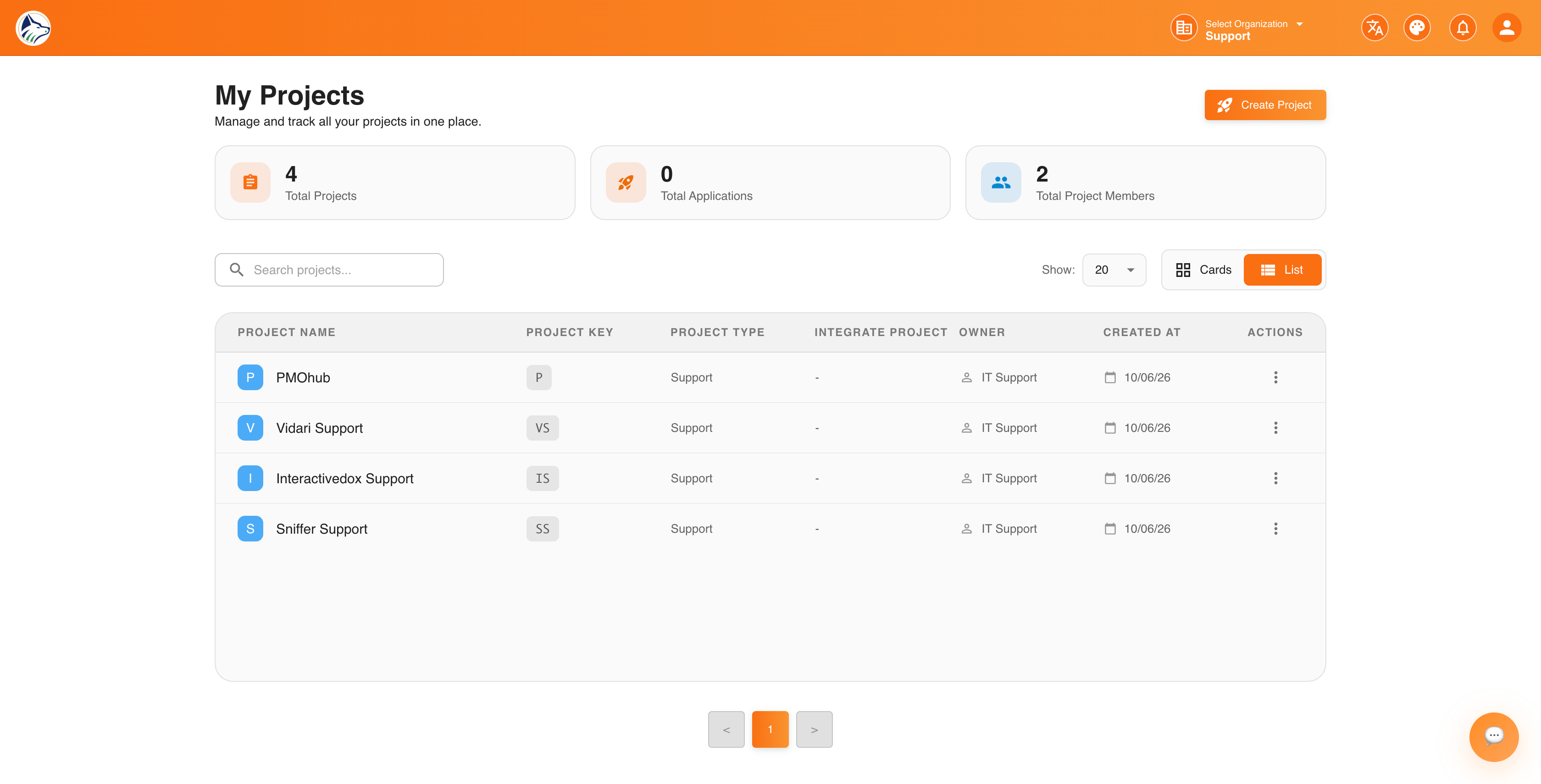
Click Create New Project and follow the guided wizard — it’s a quick two-step flow: project details, then done. See 📁 Projects → for the full walkthrough.
Step 4 · Install the Code Snippet#
Add the Sniffer script tag to your website to enable the feedback widget and error monitoring:
<script
  src="https://cdn.snifferweb.com/sniffer.js"
  data-project-id="YOUR_PROJECT_ID"
></script>
Tip: Place the script just before </body>. This single snippet powers both the 💬 Feedback Widget and 📡 Live Error Monitoring — no additional setup required.
Step 5 · Install Sniffer for Jira#
Install the Sniffer for Jira Forge app from the Atlassian Marketplace to see full bug context inside Jira issues. See 🧩 Sniffer for Jira → .
Step 6 · (Optional) Install the Browser Extension#
Install the 🔌 Browser Extension so QA, support, and engineering can capture bugs from any web page — including a smart RCA sidebar inside Jira.
Step 7 · Start Tracking#
- Create bugs manually from the 📋 Task Board
- Collect feedback from customers via the embedded 💬 Feedback Widget
- Auto-detect errors with 📡 Live Monitoring
- Capture bugs on any site with the 🔌 Browser Extension
- Watch issues sync to Jira in real time
- Wire your editor AI to Sniffer via 🤖 MCP Integration
💻 System Requirements#
🗺️ Navigation Overview#