💬 Feedback
Capture bug reports, feature requests, and general feedback from your end users through an embeddable widget, customizable templates, and intelligent routing rules.
🌟 Overview#
The Feedback module lets your team collect structured input directly from customers, beta testers, and internal stakeholders. Instead of relying on email threads, Sniffer provides an embeddable JavaScript widget that users interact with on your live website, and a centralized management interface for triaging submissions.
Each feedback submission automatically captures contextual data — screenshots, screen recordings, browser information, console logs, and network requests — giving developers full context from the first report. Submissions can be converted into issues on the 📋 Task Board with a single click.
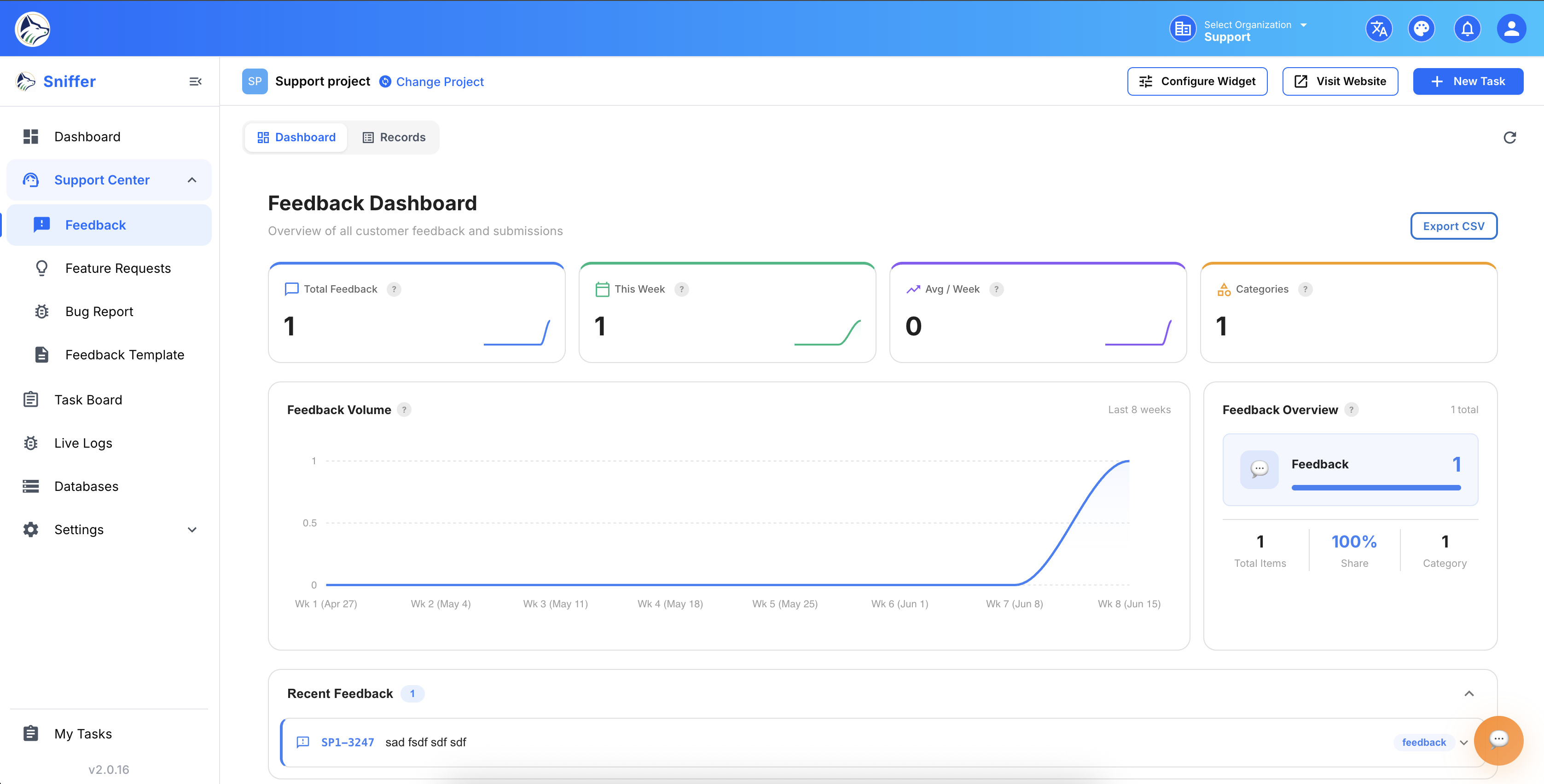
📑 Sidebar Navigation#
The Feedback section includes five sub-modules accessible from the project sidebar:
💬 Feedback List#
Navigate to Feedback from the sidebar to view all submissions.
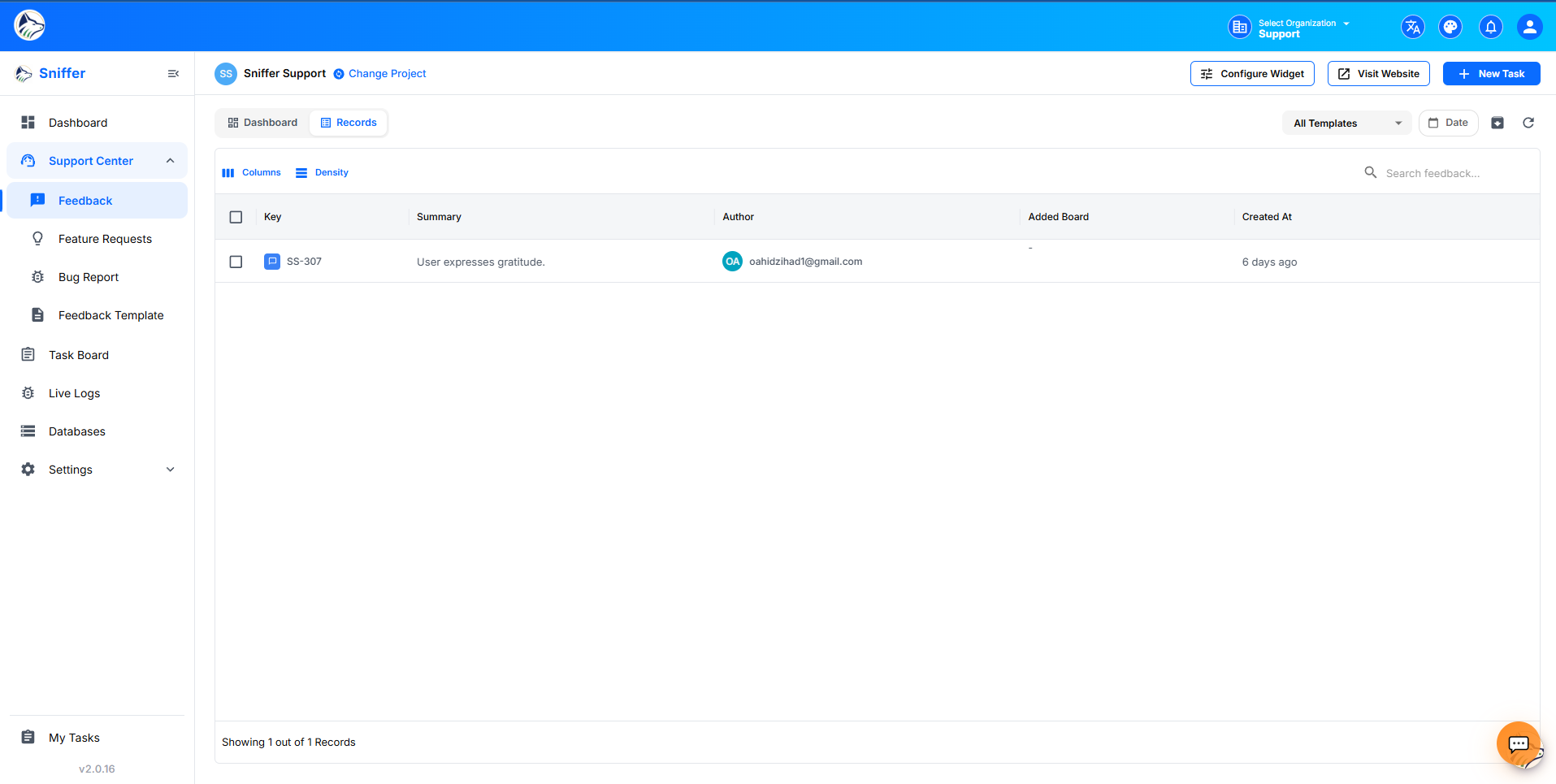
📋 List Columns#
🔍 Filtering#
🔄 Bulk Actions#
- Convert multiple feedbacks to issues
- Reject a batch
- Assign triager
- Export as CSV
🐛 Bug Reports#
Route: /sf/projects/:id/bug-report
Dedicated interface for managing external bug report submissions — typically from customers using the widget or extension.
📝 Bug Report Fields#
🔄 Bug Report Workflow#
📝 Submitted → 👁️ Under Review → 🐛 Converted to Bug (on Task Board)
                                → ❌ Rejected (with reason)
                                → 💡 Converted to Feature Request
                                → 🔁 Marked as Duplicate of existing
Tip: Converting a bug report creates a full issue on the 📋 Task Board with all the captured context attached — screenshots, logs, device info — and copies the reporter email into the issue’s reporter field.
💡 Feature Requests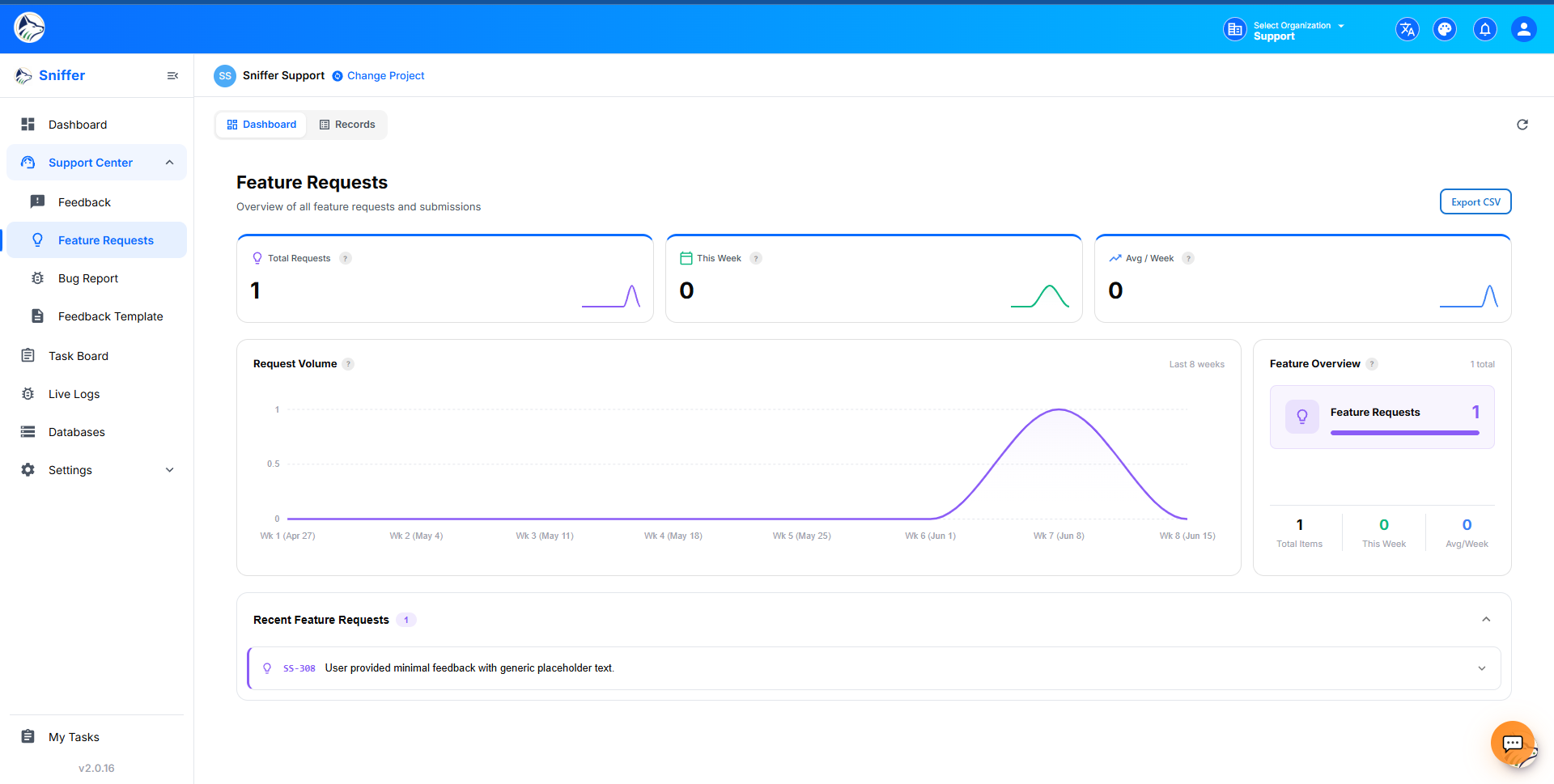 #
#
Route: /sf/projects/:id/feature-requests
📝 Feedback Templates#
Route: /sf/projects/:id/feedback-template
Create custom feedback forms with configurable field types:
Template Actions#
🧩 Feedback Widget#
The embeddable JavaScript widget lets end users submit feedback directly from your website.
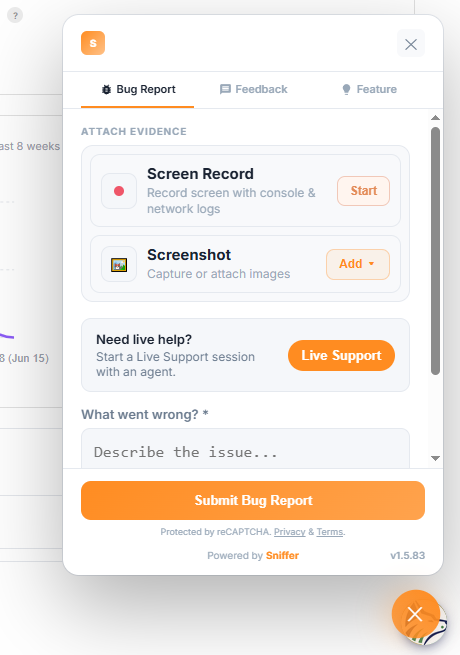
⚙️ Widget Configuration#
Configure from Feedback Config or during 📁 Project creation :
📘 Widget Installation#
Navigate to Widget Docs in the sidebar to get your embed code:
<script
  src="https://cdn.snifferweb.com/sniffer.js"
  data-project-id="YOUR_PROJECT_ID"
></script>
Note: This same script tag also powers 📡 Live Error Monitoring and 🤖 Sniffer AutoBug . One snippet, multiple features.
🛤️ Feedback Path Rules#
Route: /sf/projects/:id/feedback-config
Auto-route incoming feedback based on conditions:
Creating a Path Rule#
- Navigate to Feedback Config.
- Click ➕ Add Path Rule.
- Define matching conditions (URL pattern, category).
- Set automatic actions (tag, assign, status, template).
- Optionally add notification target.
- Save the rule.
Rules are evaluated top to bottom — drag rows to reorder priority.